 Databit
How to save mobile data on iPhone: 10 settings that actually work
To save mobile data on iPhone: enable Low Data Mode, restrict Background App Refresh to Wi-Fi, turn off Wi-Fi Assist, lower streaming quality, and download content on Wi-Fi. Then measure the effect with Databit — what you don't measure, you don't save.
The 10 settings, most to least effective
- Lower video quality. In YouTube, Netflix and TikTok, pin cellular quality to medium or saver. Setting #1: video is 60–80% of typical usage.
- Enable Low Data Mode. Settings > Cellular > Cellular Data Options. Pauses backups, preloads and automatic tasks.
- Background App Refresh → Wi-Fi. Settings > General > Background App Refresh.
- Turn off Wi-Fi Assist. Bottom of Settings > Cellular: stops silent switches to cellular when Wi-Fi is weak.
- App Store downloads on Wi-Fi only. Settings > App Store.
- Cloud photos on Wi-Fi only. Disable cellular upload in iCloud Photos / Google Photos.
- Download before you leave. Spotify playlists, Netflix episodes, offline maps: zero spend on the street.
- Tame infinite-scroll apps. TikTok and Instagram preload constantly; enable their built-in data savers.
- Cut cellular for apps that don't need it. Settings > Cellular lets you deny data per app (games, shopping, smart-home apps).
- Mind the hotspot. One laptop spends like ten phones; tether with a meter in sight.
The step everyone skips: measuring
- Note your daily average from last week in Databit's chart.
- Apply the settings above.
- Compare the next week. Bars dropped from 350 to 220 MB/day? You just saved ~4 GB a month — maybe enough to downgrade to a cheaper plan.
The saving your carrier won't suggest
The end goal isn't suffering through 240p video — it's knowing your real usage. If a measured month shows you use 4 GB of the 15 you pay for, the real saving isn't in settings — it's in switching to the right plan. Databit gives you the evidence, byte by byte.
Track your data usage in real time
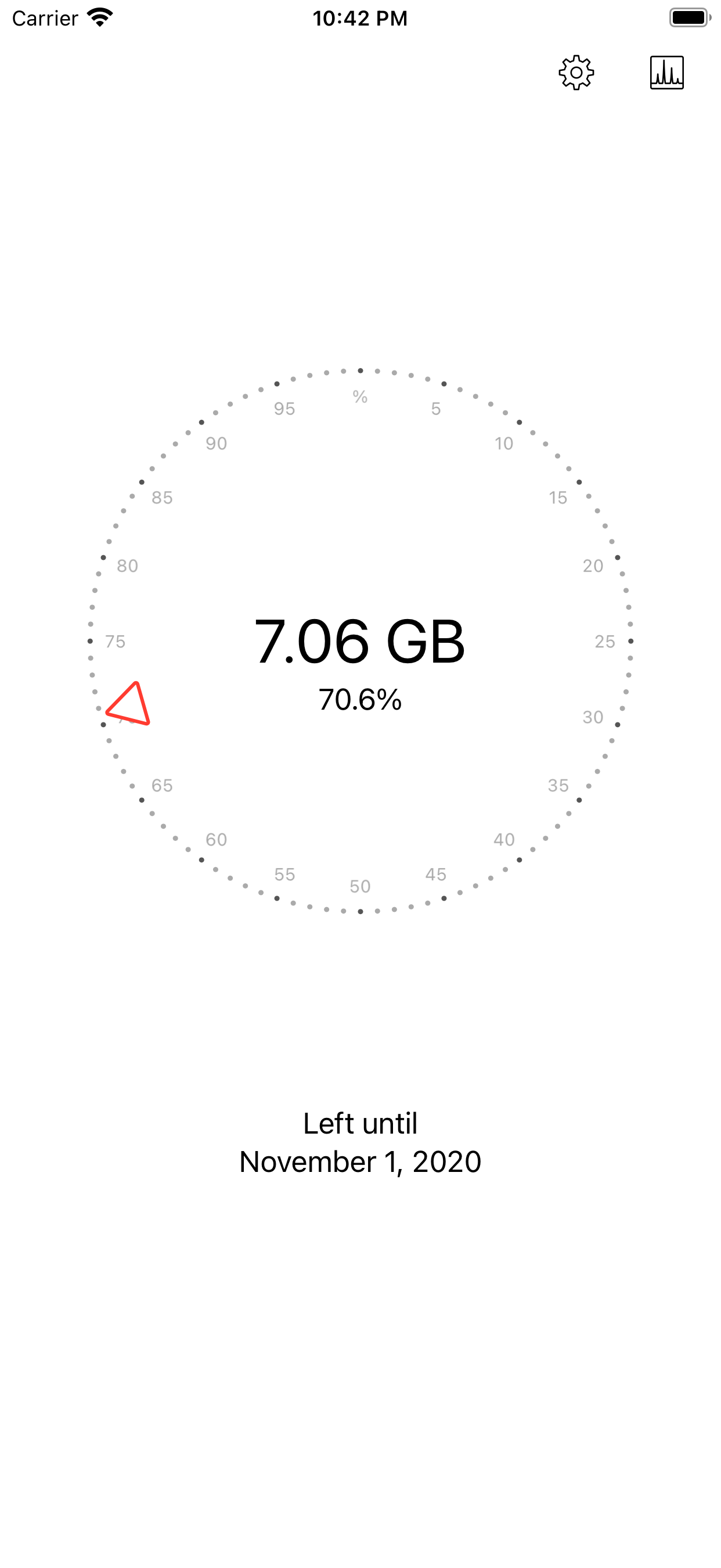
Databit shows how many GB you have left, alerts you at 20% and 10%, and resets automatically on your billing day. One-time purchase, no subscription.
Get Databit — 4.6★ on the App Store